Introduction
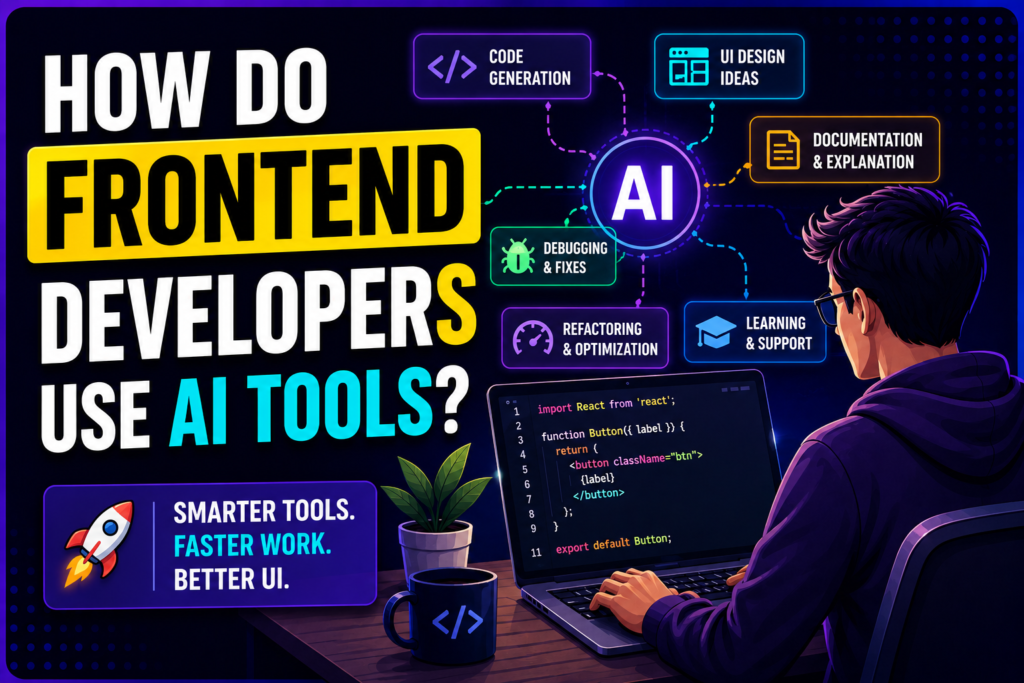
Artificial Intelligence (AI) is changing the way frontend developers build websites and applications. Earlier, developers spent a lot of time writing repetitive code, searching for solutions, and fixing small errors. Today, AI tools help developers work faster, improve code quality, and create better user experiences.
AI does not replace frontend developers. Instead, it works as a smart assistant that helps them solve problems, generate ideas, and complete tasks more efficiently.
1. AI Helps in Writing Code Faster
Frontend developers use AI coding assistants to generate code snippets, components, and functions. Instead of writing every line manually, developers can describe what they need, and AI can provide a starting point.
For example:
- Creating React components
- Writing HTML and CSS layouts
- Generating JavaScript functions
- Creating responsive designs
Popular AI coding tools include:
- GitHub Copilot
- ChatGPT
- Amazon CodeWhisperer
- Tabnine
These tools save time and allow developers to focus more on important parts of a project.
2. Creating Better UI Design Ideas
Frontend development is not only about coding; it is also about creating attractive and user-friendly designs.
AI tools help developers and designers by:
- Suggesting color combinations
- Creating layout ideas
- Generating UI components
- Improving user experience (UX)
Tools like Figma AI and other design assistants can help turn simple ideas into professional interface designs.
3. Debugging and Fixing Errors
Finding bugs can take hours. AI tools help developers understand errors and find possible solutions quickly.
Developers can use AI to:
- Explain error messages
- Find mistakes in code
- Suggest fixes
- Improve existing code
For example, if a React application shows an error, AI can analyze the problem and suggest possible solutions.
4. Code Optimization and Improvement
AI can review existing code and suggest improvements.
Frontend developers use AI tools for:
- Making websites faster
- Improving code structure
- Removing unnecessary code
- Following best coding practices
This helps create applications that are easier to maintain and perform better.
5. Generating Documentation
Writing documentation is an important but time-consuming task. AI tools can automatically create explanations for code, functions, and components.
Developers can use AI to generate:
- Code comments
- API documentation
- Project guides
- Technical explanations
This makes it easier for teams to understand and maintain projects.
6. Learning New Technologies
Frontend technologies change quickly. Developers need to learn new frameworks, libraries, and tools regularly.
AI helps developers learn faster by:
- Explaining complex concepts
- Providing examples
- Comparing technologies
- Creating learning plans
For example, a developer learning Next.js can ask AI for examples, best practices, and common mistakes.
7. Testing Websites and Applications
AI tools can also help with testing frontend applications.
They can assist with:
- Creating test cases
- Finding UI issues
- Checking accessibility problems
- Improving website reliability
This helps developers deliver better-quality products.
Best AI Tools for Frontend Developers
Some commonly used AI tools are:
| Tool | Use Case |
|---|---|
| ChatGPT | Code help, debugging, learning |
| GitHub Copilot | Code generation and autocomplete |
| Figma AI | UI design assistance |
| Cursor AI | AI-powered code editor |
| Claude AI | Code review and explanations |
| Tabnine | AI coding suggestions |
How Should Developers Use AI Tools?
AI tools are powerful, but developers should always review the generated code before using it. Understanding the code and following security practices are still important.
A good workflow is:
- Explain the problem to AI
- Review the generated solution
- Test the code
- Improve it based on project requirements
AI works best when combined with developer knowledge and experience.
Conclusion
AI tools have become valuable assistants for frontend developers. They help with coding, debugging, designing, testing, and learning new technologies. By using AI effectively, developers can save time, improve productivity, and build better digital experiences.
The future of frontend development is not about humans versus AI — it is about developers using AI to work smarter and create more innovative solutions.
Trending Posts

Stay ahead in tech
Get weekly industry insights, new course alerts, and career tips — directly from our expert faculty.